

Available only for SMS and WhatsApp channels. Options may be rendered differently depending on the channel.
Using the Options block
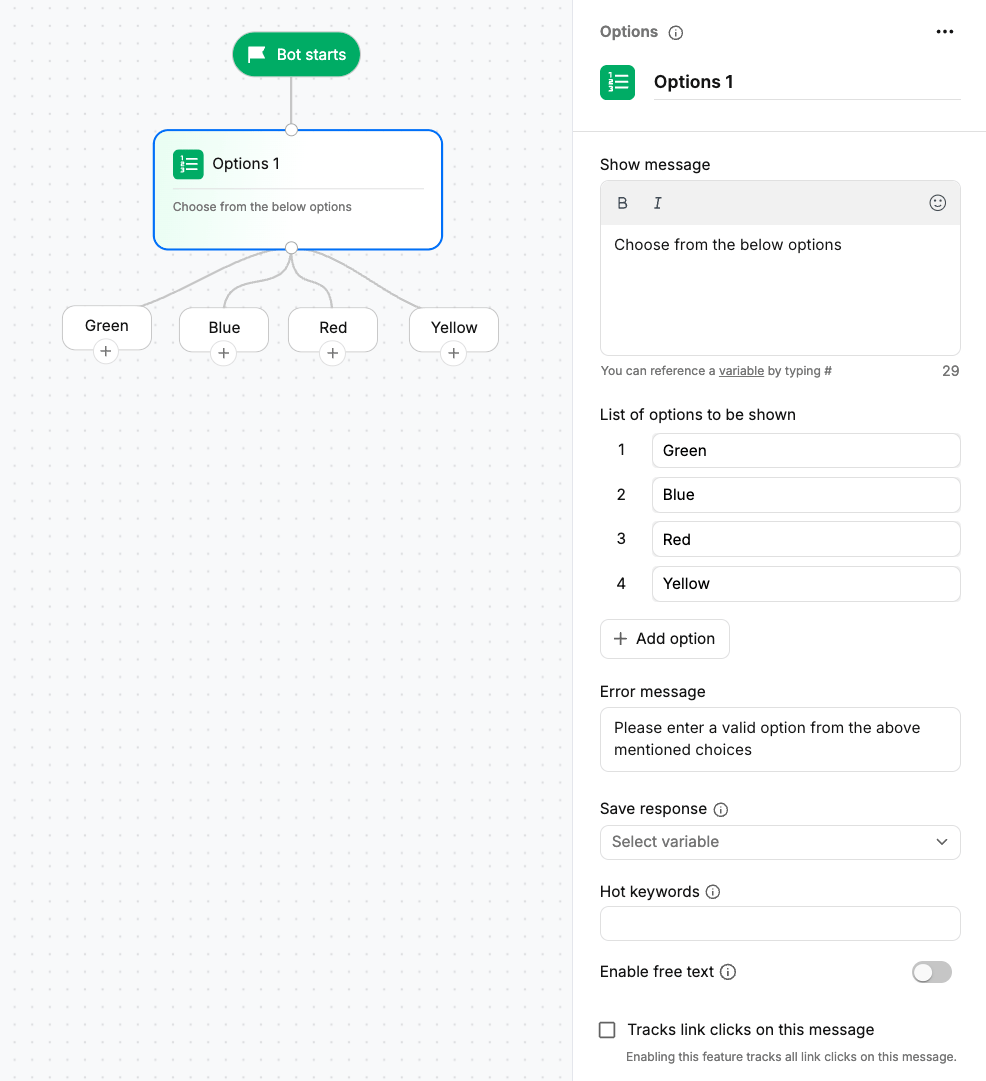
Drag the Options action block onto the canvas, connect it to the conversation flow, and configure the options you want to display.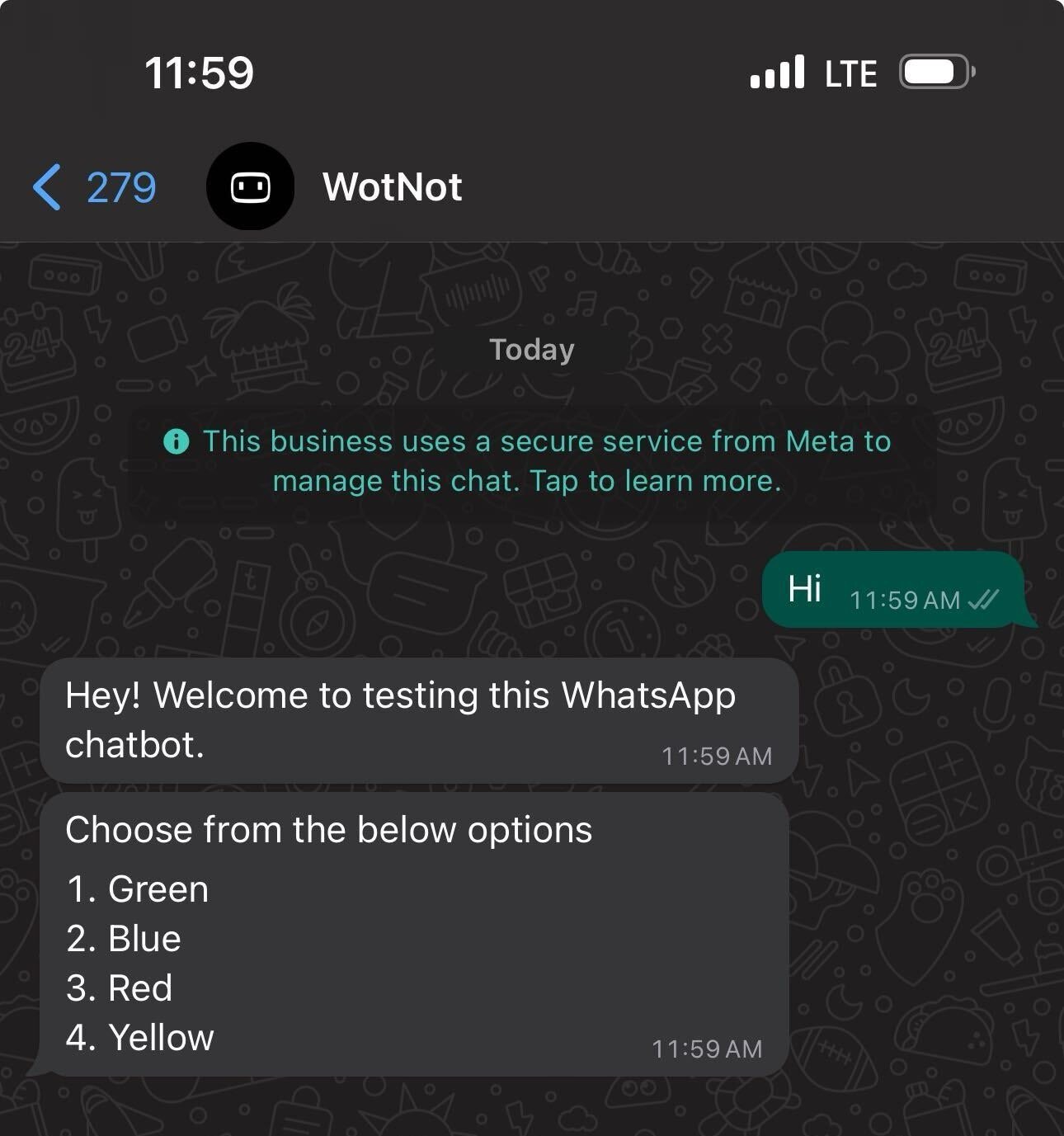
Configurations
Message text
Enter the question or message that appears above the list of options. For example:Please choose from the list of options below.
Options
Add the choices you want to display to the user. You can reorder the options as needed.You can add up to 10 options in a single Options block. If you need more than 10 options, you can connect multiple Options blocks together.
- The option number, such as
1,2, or3 - The option name, such as
one,two, orthree - The option value itself, such as
BlueorGreen
Error message
Define the message shown when the user’s response does not match any of the available options. The user can then retry by entering a valid option.Save response
Save the selected option to a variable for use later in the conversation. For example, if the user selects option2, the value of that option, such as Yellow, is stored in the configured variable.
Learn more about variables.
Hot keywords
Define keywords that take users to this Options block from anywhere in the conversation flow. For example, if you defineMENU as a hot keyword, users can type MENU to return to this Options block.
Enable free text
Enable Enable free text to allow users to either select a predefined option or type their own response. When enabled, a Free text node is added to the canvas. You can connect this node to an AI Agent to handle free-text responses.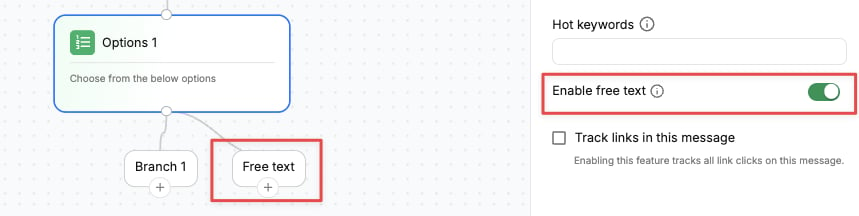
Output paths
Each option creates its own branch in the conversation flow. When a user selects an option, the conversation continues through the corresponding branch.Choosing the right selection block
The main difference between these blocks is how the choices are presented:- Buttons — Use for a few choices displayed as buttons.
- Options — Use for a longer, flat list of choices.
- List — Use when choices need to be grouped.
- Carousel — Use when each choice needs an image.