

Available on all channels. The Set Variable block does not render anything to the user.
Using the Set Variable block
Use the Set variable block when you need to:- Set a default value
- Reset a variable
- Store a value for later use
- Set a flag for a condition
- Update a counter
- Modify an existing value
- Prepare a value for an API request
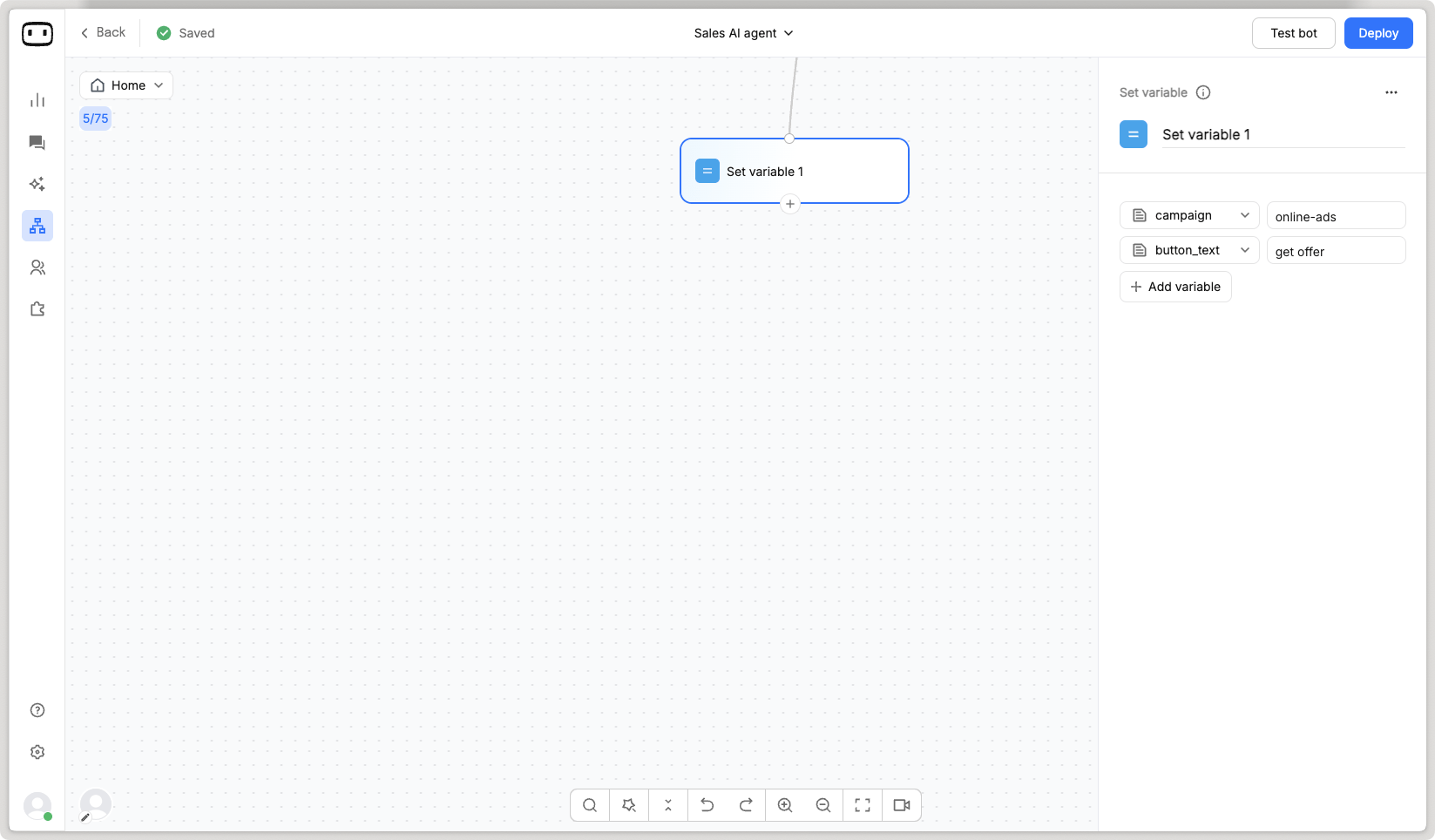
- Set multiple variables at once
1
Add the block
Drag the Set variable block onto the canvas and connect it to the next block in your flow.
2
Select a variable
Under Variable, select the variable you want to update.
3
Enter a value
Under Value, enter the value that you want to assign to the selected variable.The value can be a static value, another variable, or an expression where supported.
Configurations
Variable
Select the variable that you want to update. For example:Value
Specify the value that you want to assign to the selected variable.- Static value
- Another variable
- Expression
Assign a fixed value.
Operations
Use operations to modify a value before assigning it to a variable. For example, increment a counter:The operations available depend on the variable type and the options supported in the Set variable configuration.
Multiple assignments
Use multiple assignments when you need to update several variables in the same block. For example:Some examples
Here are some examples on the use of Set variable block. Set a default value: to assign a default value to a variable.customer_type variable can then be used later in the flow.
Reset counter: to initialize or reset a counter.
is_verified and route the flow accordingly.
Prepare a value for an API request: to prepare a value before making an API request.
customer_type variable can then be used in the request payload or parameters of a subsequent API call.