

Available on the PREMIUM plan and above.
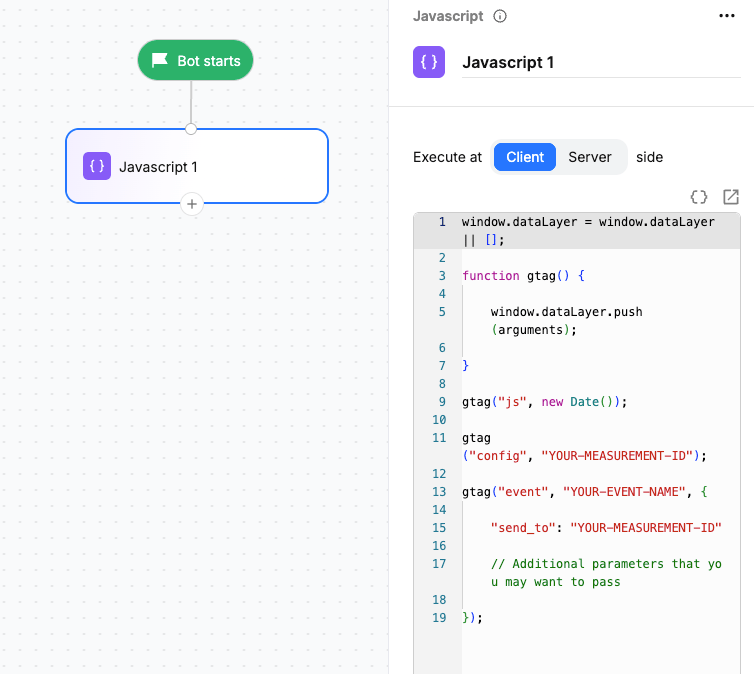
Using the Javascript block
Some use cases where a Javascript action block can be used are:- Performing calculations
- Formatting or modifying values
- Reading information available on the host webpage
- Setting conversation or contact variables
- Triggering third-party tracking or analytics events
- Performing other lightweight browser-side operations
- Drag the Javascript action block onto the canvas.
- Connect it to the required point in your flow.
- Open the block configuration.
- Enter your JavaScript in the code editor.
- Configure the required execution and variable settings.
- Connect the output to the next block in the flow.
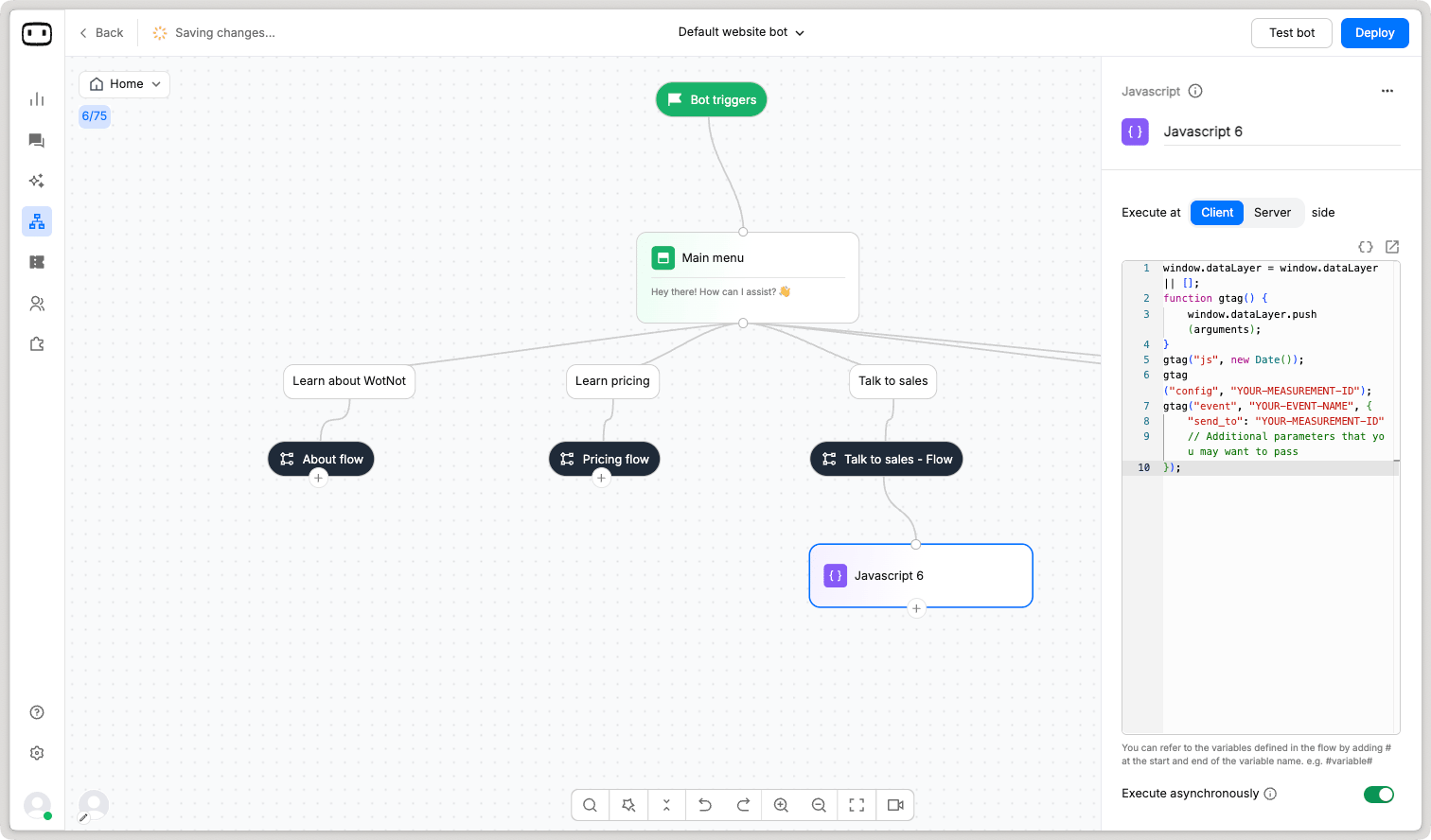
Client
The code runs on the user’s device (like their browser or phone)
Server
The code runs on your backend server instead of the user’s device.
Configurations
Script
Enter the JavaScript code that you want to execute. For example:Actions you can perform on Javascript
Here are some examples of actions you can perform on the Javascript block.Reading variables
You can use WotNot variables directly in your JavaScript code. For example:num1 and num2 can be numbers or variables containing numeric values.
Writing variables
You can store values in conversation or contact variables using the WotNot JavaScript methods.Math calculations
You can use JavaScript to perform mathematical calculations within the chatbot flow.Storing values into variables
You can use the Javascript block to store values in conversation or contact variables. Conversation variables Usewn.setConversationVariable() to store a value in a conversation variable:
wn.setContactVariable() to store a value in a contact variable:
String modification
You can use JavaScript to calculate the length of a string or extract part of a string. Get the length of a string Use the.length property to calculate the number of characters in a string.
In JavaScript,
length is a property, so use .length rather than .length()..slice() to extract part of a string.
0.
This can be useful when you need to extract a specific part of a value, such as a phone number without the country code.
Fire and track events in Google Analytics
You can use the Javascript block to push or record events in Google Analytics or another analytics tool installed on your website.Make sure the Google Analytics 4 code snippet is already present on your website before using the Javascript block to fire an event.
YOUR-MEASUREMENT-ID with your Google Analytics Measurement ID and YOUR-EVENT-NAME with the name of the event you want to track.
For example:
Triggering a day-based flow
You can use JavaScript to work with dates and determine whether a flow should continue based on a specific day. Get the current date Use the following code to get the current date:Executing JavaScript asynchronously
You can execute JavaScript asynchronously without enforcing a delay for the end user. This can provide a smoother experience when the result of the JavaScript execution is not required before the conversation continues.Security considerations
The Javascript block runs in the visitor’s browser. This means the code is sent to and executed on the visitor’s device. Never include the following in client-side JavaScript:- API keys
- Access tokens
- Passwords
- Private credentials
- Database credentials
- Other sensitive secrets