

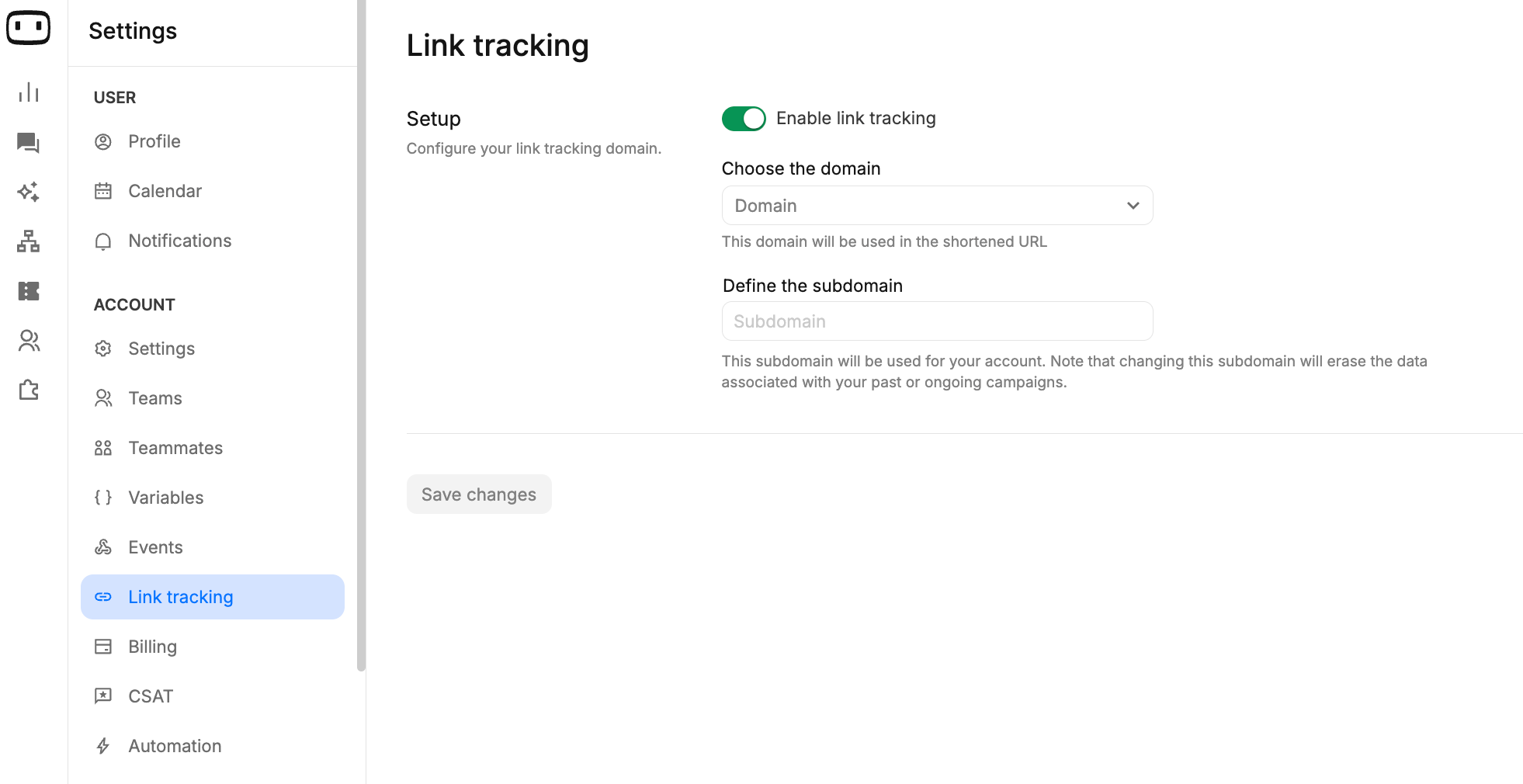
Only tracked links are measured in Link Analytics. You must enable link tracking and convert the URLs in your flow into trackable links before click data appears in this report.
What this report answers
Link Analytics helps you understand how recipients interact with the tracked links sent through your chatbot and outbound campaigns. From this report, you can view:- Total clicks on tracked links
- Operating systems used to open tracked links
- Browsers used to open tracked links
- Countries where tracked-link activity originated
- Cities where tracked-link activity originated
- Where your tracked links are being used across conversations and outbound campaigns
Before anything appears here
If the Link Analytics report is empty, first check whether link tracking is enabled. Link tracking works by converting supported URLs in your chatbot flow into trackable URLs. WotNot can then record activity when recipients open those tracked URLs. Only URLs that have been converted into tracked URLs are included in Link Analytics.Set up link tracking
Learn how to enable link tracking and convert URLs in your flow into trackable links.
KPIs
The Link Analytics report provides click data and breakdowns that help you understand where and how tracked links are being accessed.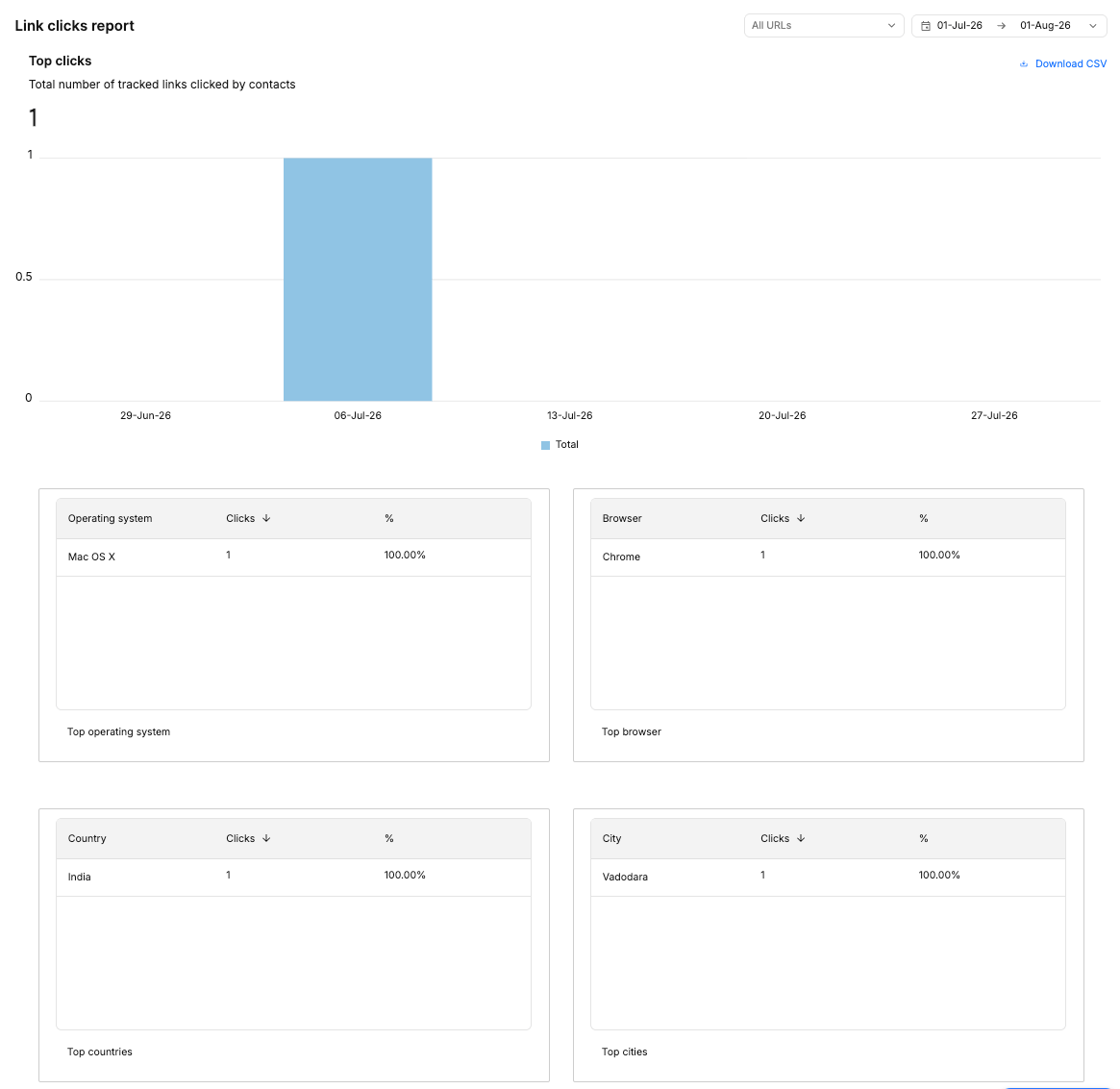
Click metrics
Total clicks
Total clicks is the number of times tracked links generated recorded activity during the selected reporting period. A single recipient can generate multiple clicks, so Total clicks should not be interpreted as the number of unique people who clicked a link.Note: Link Analytics currently reports Total clicks. It does not provide a separate unique-click metric.
Attribution
Tracked URLs include tracking information that allows WotNot to associate link activity with the interaction or campaign where the tracked URL was generated. For outbound campaigns, tracked URLs can be generated for individual recipients. This allows click activity to be associated with the recipient and campaign context supported by the tracking data. The available attribution information can vary depending on the channel and how the tracked link was generated.Contact-level clicks
For supported channels, tracking information can include an identifier associated with the recipient. For example, WhatsApp and SMS tracking can use the recipient’s phone number as the recipient identifier. Because tracking data may contain recipient information, treat tracked-link data as potentially sensitive. Avoid sharing tracked URLs or their tracking parameters unnecessarily.Learn more about Contact Information
Learn how WotNot stores and manages Contact Information.
Reading the report
Use Link Analytics to compare link engagement with the messages or conversations where the tracked links were used. For example, suppose an outbound campaign has a high delivery rate but very few recorded link clicks. This means the message was successfully delivered, but the tracked link generated limited engagement. If clicks are lower than expected, check the following:- Link placement — Make sure the link is easy to find and appears where recipients expect it.
- Message copy — Make the reason for clicking clear and relevant to the recipient.
- Channel behavior — Check whether the channel changed, removed, or prevented the link from being clickable.
- Tracking configuration — Confirm that the URL was converted into a tracked URL before the campaign or flow was deployed.
Keep automated link activity in mind
Not every recorded request to a tracked URL represents an intentional click by a recipient. Messaging apps, email clients, security tools, and other services may automatically request a URL to generate a link preview, check its safety, or process the message. This automated activity can appear as recorded link activity and may cause click counts to be higher than the number of people who intentionally opened the link.Filtering, drill-in and export
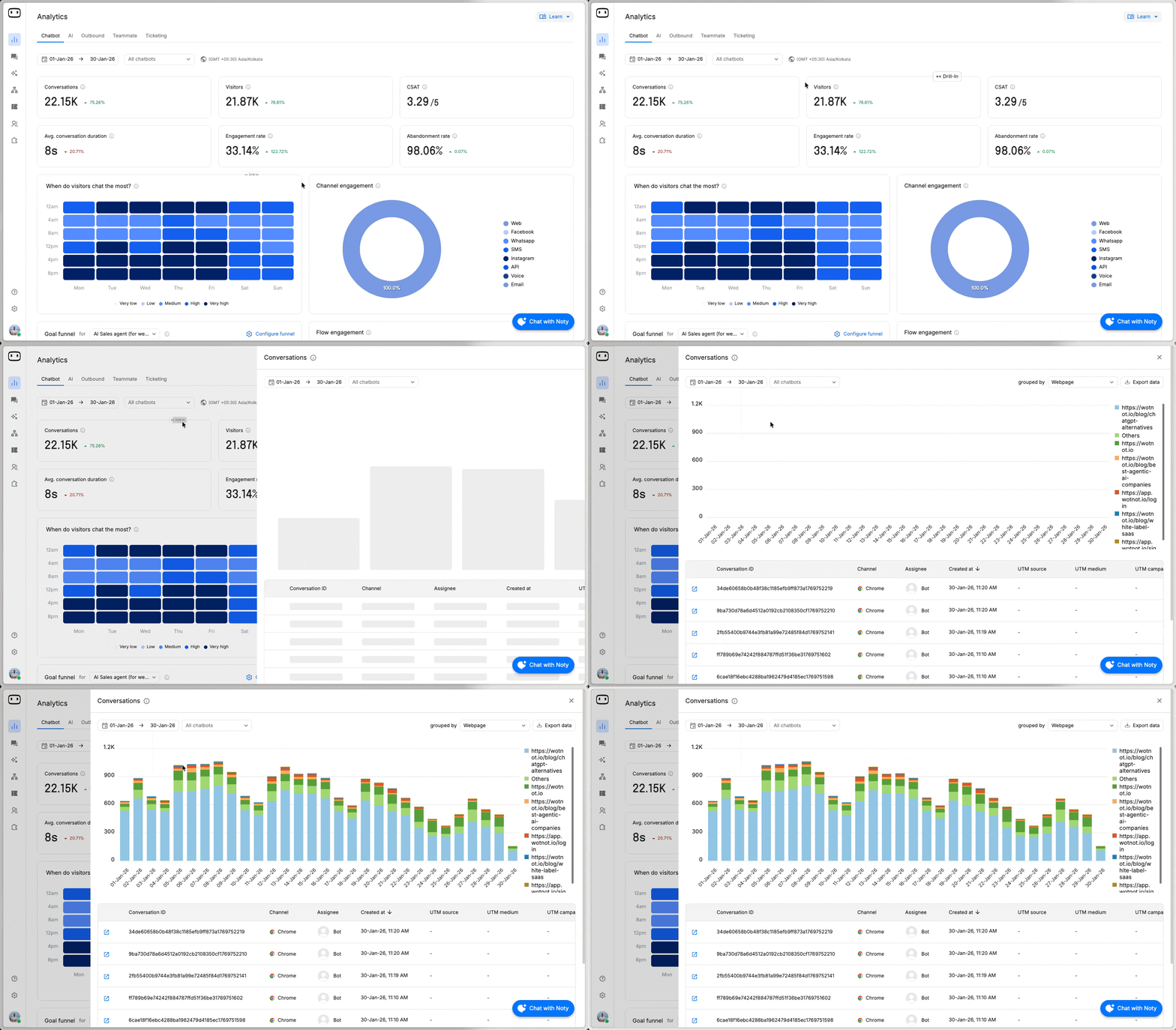
Use the shared reporting controls to:- Change the reporting period
- Apply available filters
- Drill into supported metrics
- Export report data
Common confusions
Why is there no data in Link Analytics?
Why is there no data in Link Analytics?
Link Analytics only measures tracked URLs. Check that link tracking is enabled and that the URLs in your flow were converted into tracked URLs before the flow or campaign was deployed.
Why are click counts higher than expected?
Why are click counts higher than expected?
Not every request to a tracked URL represents an intentional click.Messaging apps, email clients, security tools, and other services may automatically request URLs to generate previews or check their safety. This automated activity can be recorded as link activity and may increase the reported click count.
Why are unique clicks lower than total clicks?
Why are unique clicks lower than total clicks?
Link Analytics currently reports Total clicks and does not provide a separate unique-click metric.A recipient can generate multiple clicks on the same tracked link, so Total clicks should not be interpreted as the number of unique recipients who clicked.
Are links in WhatsApp templates tracked?
Are links in WhatsApp templates tracked?
A link in a WhatsApp template is not automatically tracked just because it is a link.Only URLs that are configured for link tracking and converted into tracked URLs are measured. If a template link is not converted into a tracked URL, its activity will not appear in Link Analytics.
Why isn't a click attributed to a campaign?
Why isn't a click attributed to a campaign?
Check whether the URL used in the campaign was converted into a tracked URL before the campaign was deployed.For outbound campaigns, WotNot can generate tracked URLs for individual recipients, allowing supported recipient and campaign information to be associated with the tracked URL.
Why does my tracked link look different from the original URL?
Why does my tracked link look different from the original URL?
WotNot converts tracked URLs into shortened tracking URLs.When a recipient opens the tracked URL, it redirects them to the original destination URL. As a result, the URL shown to the recipient may look different from the original URL configured in your flow.