

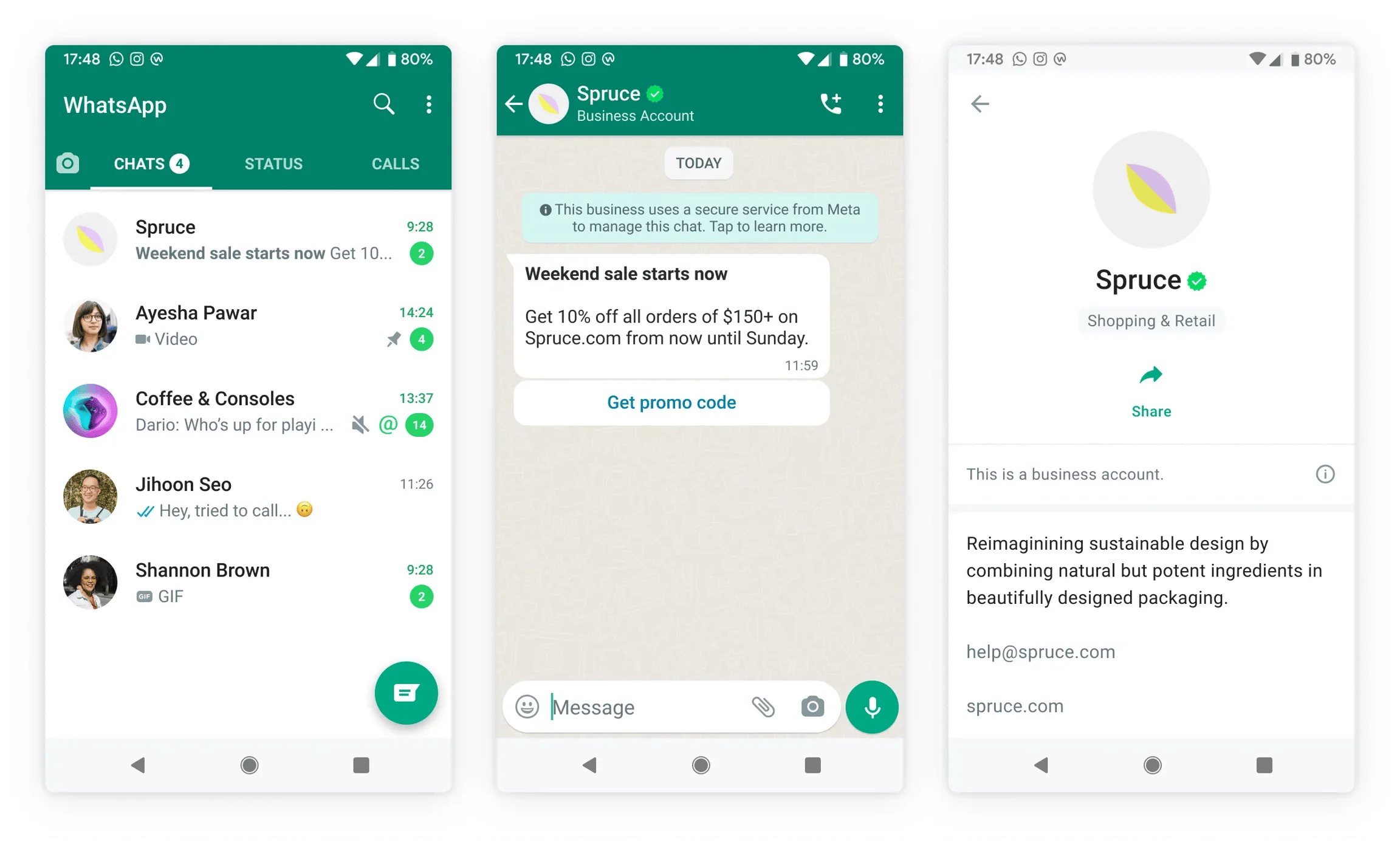
Eligibility criteria:
Not any business can get a green tick. Meta verifies if your company is popular with the following details and grants a green tick.- Firstly, you need to have WhatsApp API
- You need to have a verified Facebook Business Manager account
- You need to enable 2-Step verification
- It’s recommended that you are in Tier 2 or above messaging level.
- Your business should have at least 3 organic PR posts on the internet.
Granting a green tick is entirely the decision of Meta. WotNot cannot influence it.
Follow the steps to get a green tick on WhatsApp:
WhatsApp Business Accountsdevelopers.facebook.com
Step 1: Open the WhatsApp manager
Goto your Facebook Business Manager -> WhatsApp accounts -> WhatsApp manager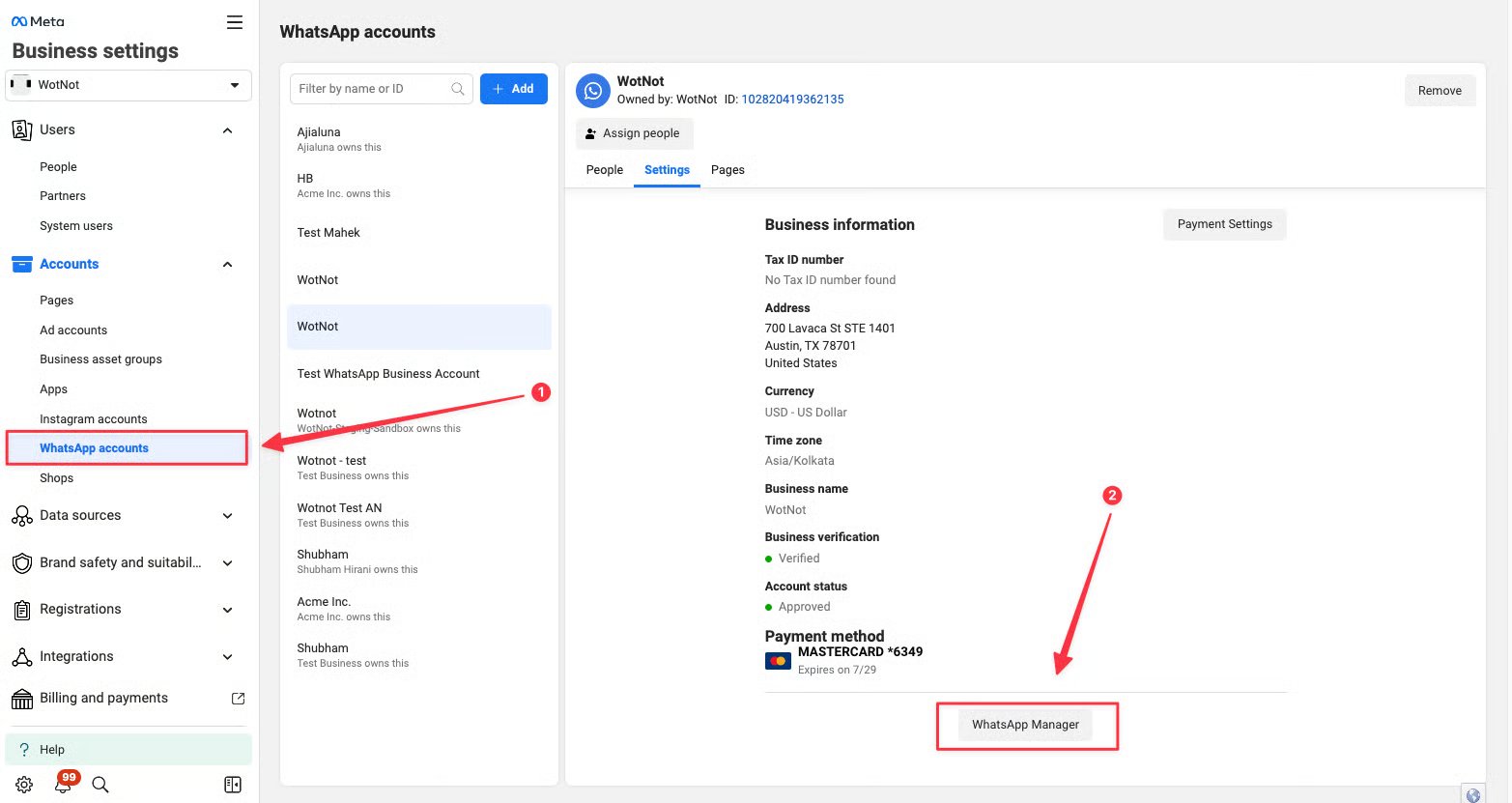
Step 2: Submitting the ‘Official business account’ request
- On the WhatsApp manager, go to Account tools → Phone numbers
- Under the ‘Official business account’ → Click ‘Submit request’
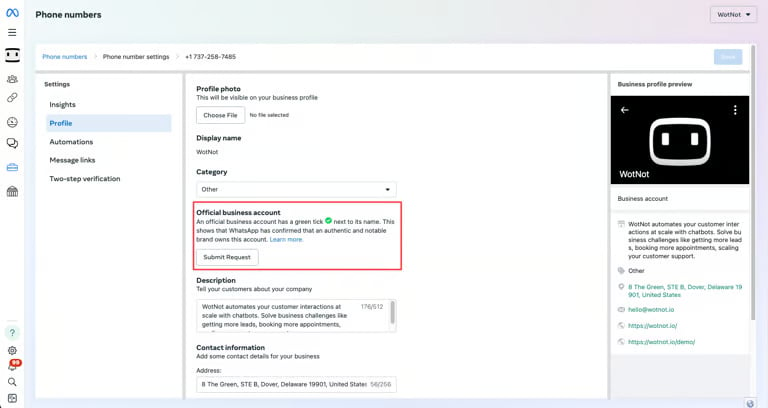
- Submit the required details
- Business website
- Country of operation
- Primary language
- Parent company
- 3 supporting links (Articles, blog posts or independent reviews that show your business is well-known and recognised by consumers.)
- Additional supporting information (Add some text explaining why is it important for your company to get a official business account)