> For the complete documentation index, see [llms.txt](https://help.wotnot.io/llms.txt). Markdown versions of documentation pages are available by appending `.md` to page URLs; this page is available as [Markdown](https://help.wotnot.io/support-and-billing/user-management/audit-log.md).
# Audit log
{% hint style="info" %}
Available on the **PREMIUM** plan
{% endhint %}
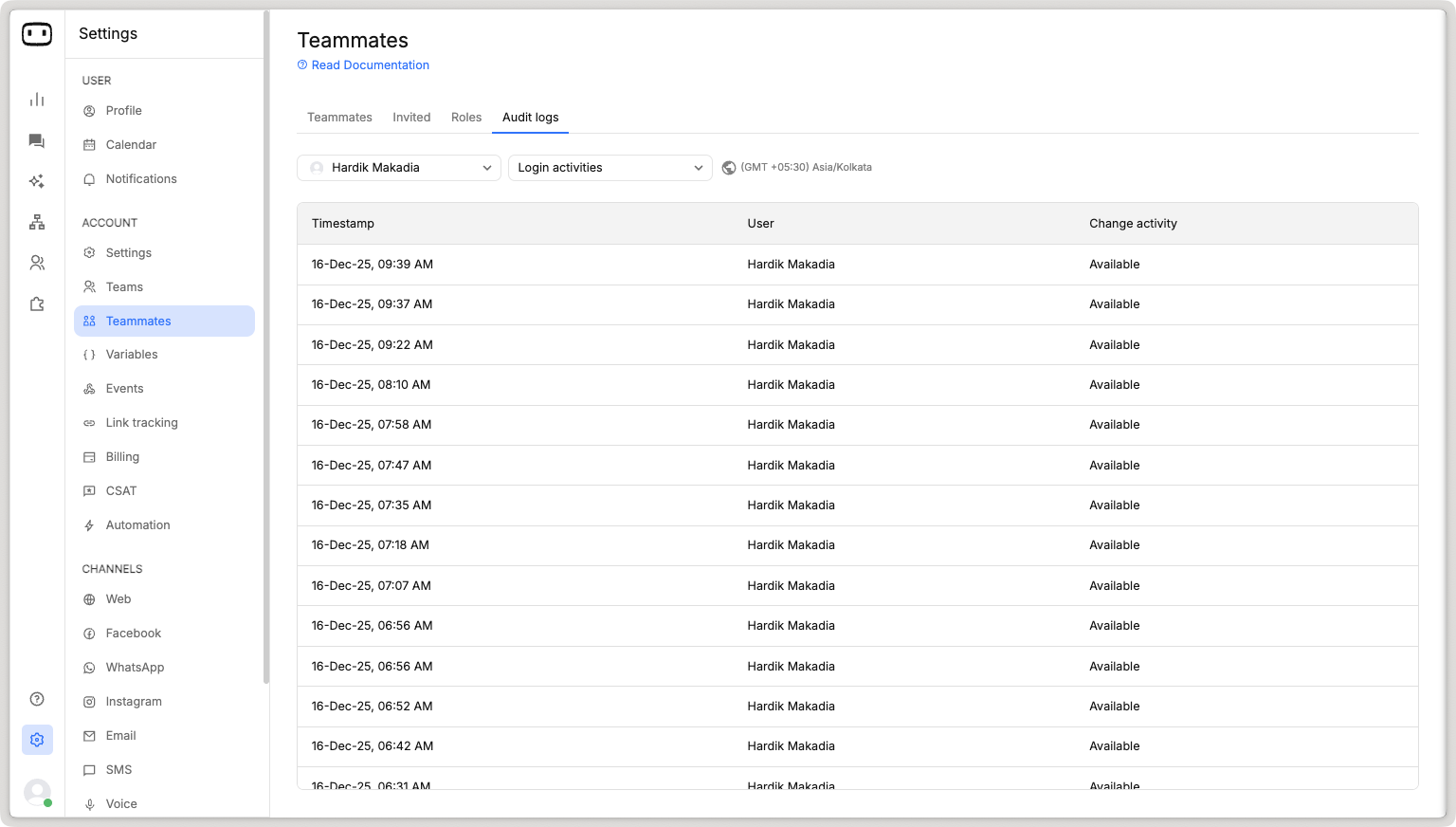
For better user management and tracking of user activity, you can view each teammate's log.
In the audit log section, you can view the following actions of the teammate:
## Login activities
Login activities made by users like:
* Login
* Logout
* Marked available
* Marked offline
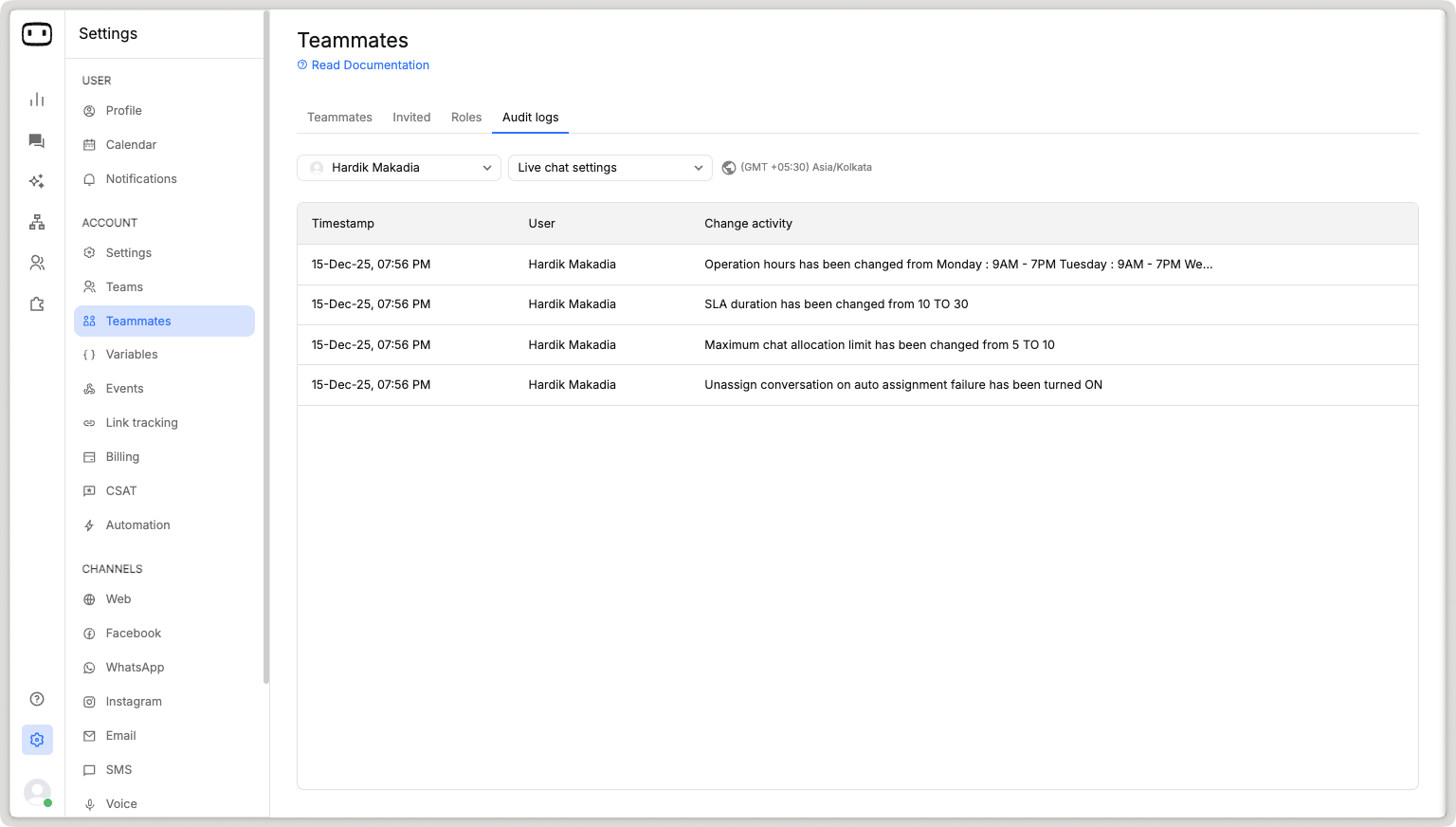
## Live chat activities
Configurations updates made on the live chat settings page.