> For the complete documentation index, see [llms.txt](https://help.wotnot.io/llms.txt). Markdown versions of documentation pages are available by appending `.md` to page URLs; this page is available as [Markdown](https://help.wotnot.io/deploy/voice-chat-widget.md).
# Voice chat widget
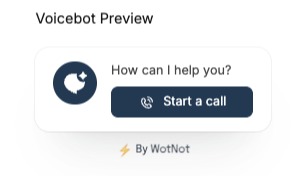
To allow users to talk to agents instead of chatting, you can use the voice chat widget.
Let's look at how you can enable it:
* Go to Settings
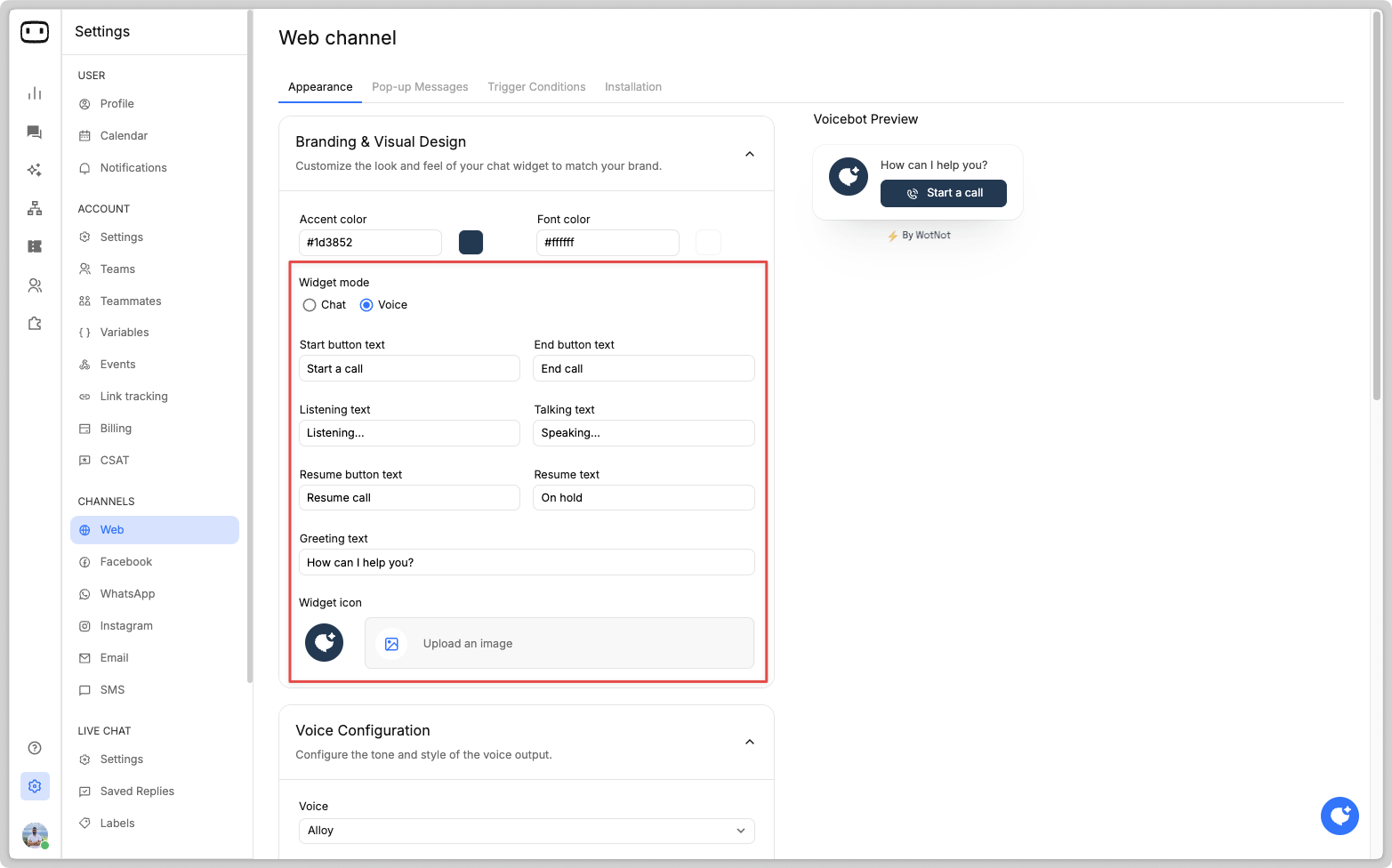
* Navigate to Channels > Web > Appearance
* Under "Branding & Visual design", choose the "Widget mode" as "VOICE"
You can customize the default messages shown on the voice chat widget during a conversation.
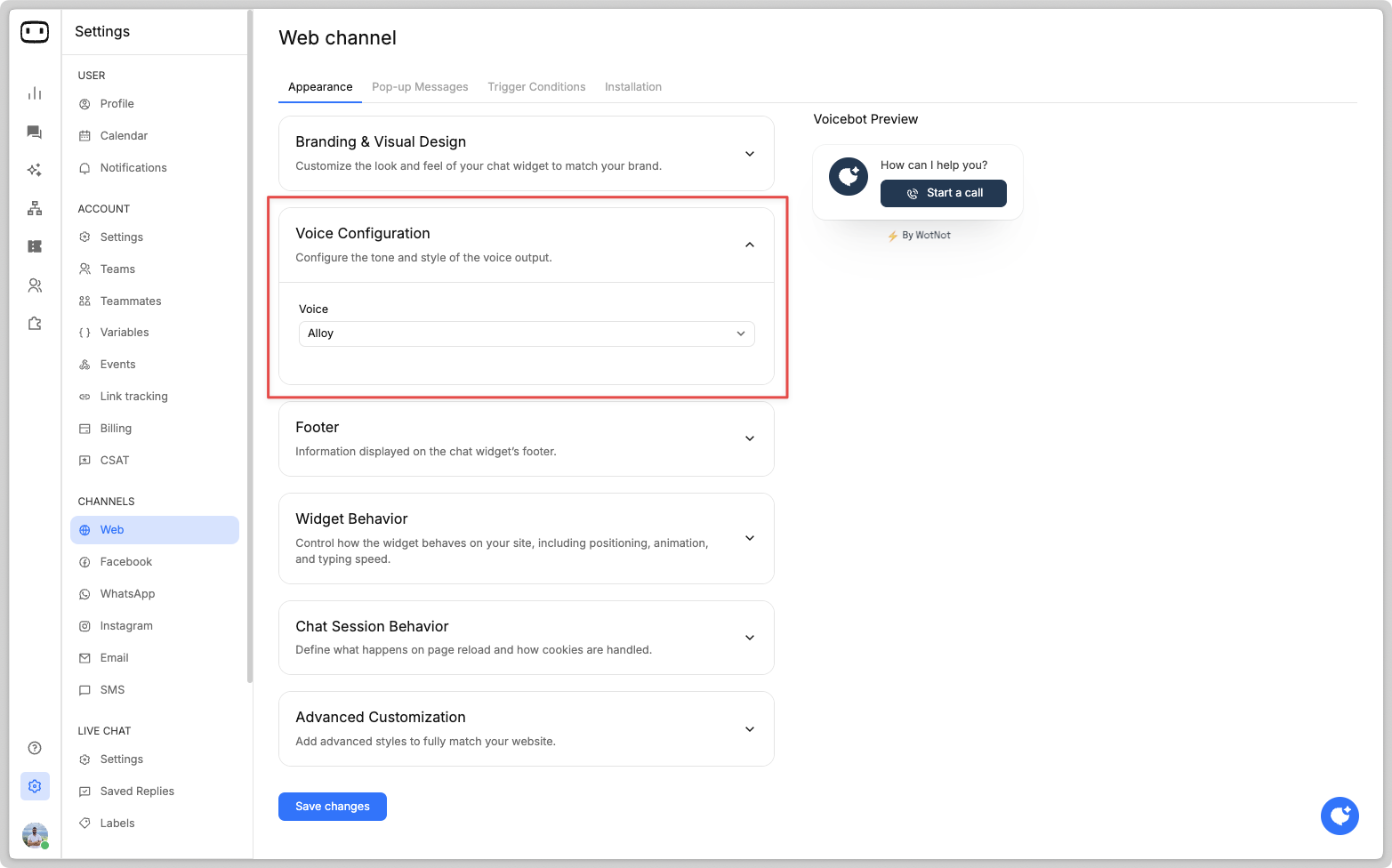
Also, you can choose from a variety of voice options on how you want your voice agent to sound:
{% hint style="info" %}
**NOTE**:
* When using VOICE mode, certain action blocks will not execute.
{% endhint %}